URL Stock for Business Planner / Development

Turn your
'Read Later'list into knowledge you can revisit anytime.

Save interesting URLs in one click.A knowledge stash for 0→1 creators, viewable in Dynamic or List mode.
Content is stored for 6 months, so only the context that matters now stays with you — without clutter from outdated information.

Watch Video
freeChrome extensionDelete at 6 months
https://matome.url-storage.com/[ + add ]
url-storage
The shelf life is 6 months—the expiration date acts as a "trigger for revisiting."
01 / About

I'm gathering information.
But I can't remember.

Those responsible for driving innovation from zero to one tend to do the most research. The more research they do, the less likely the collected URLs are to become "notes left by their past selves."

There was an article I wanted to read, but it's gone somewhere...

What we solve

What is url-storage?

In today's busy world, efficiently gathering information within limited time is essential.
Have you ever seen something on social media or a blog that made you think, "This looks useful," or "I want to read this carefully later"?

However, you didn't have time then, and before you knew it, you'd lost track of that information--
you've probably experienced that at least once.

That's whereurl-storagecomes in handy.

01

1-Click Save

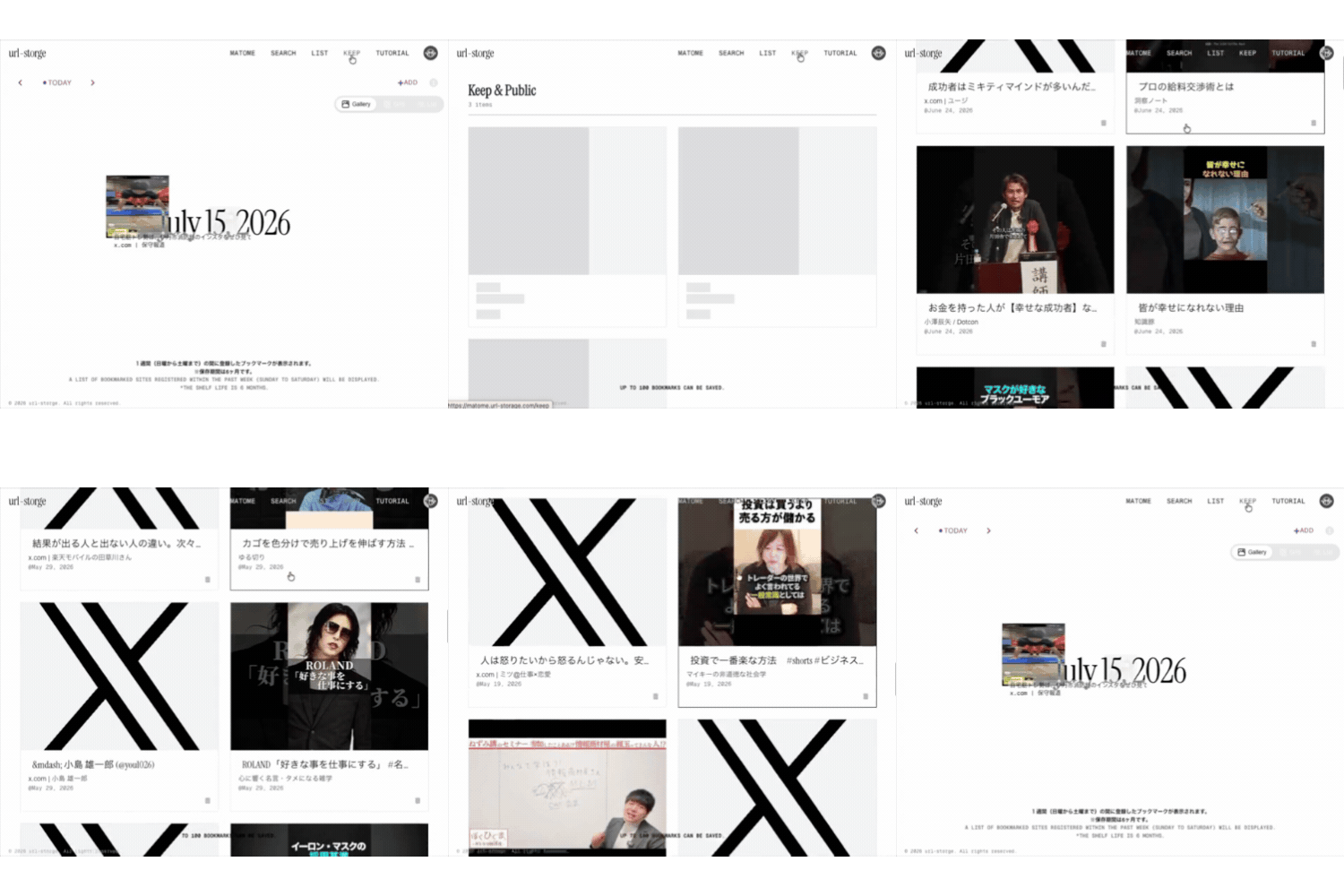
Save URLs you're interested in with a single click using this browser extension. No copy and paste required.

02

Review

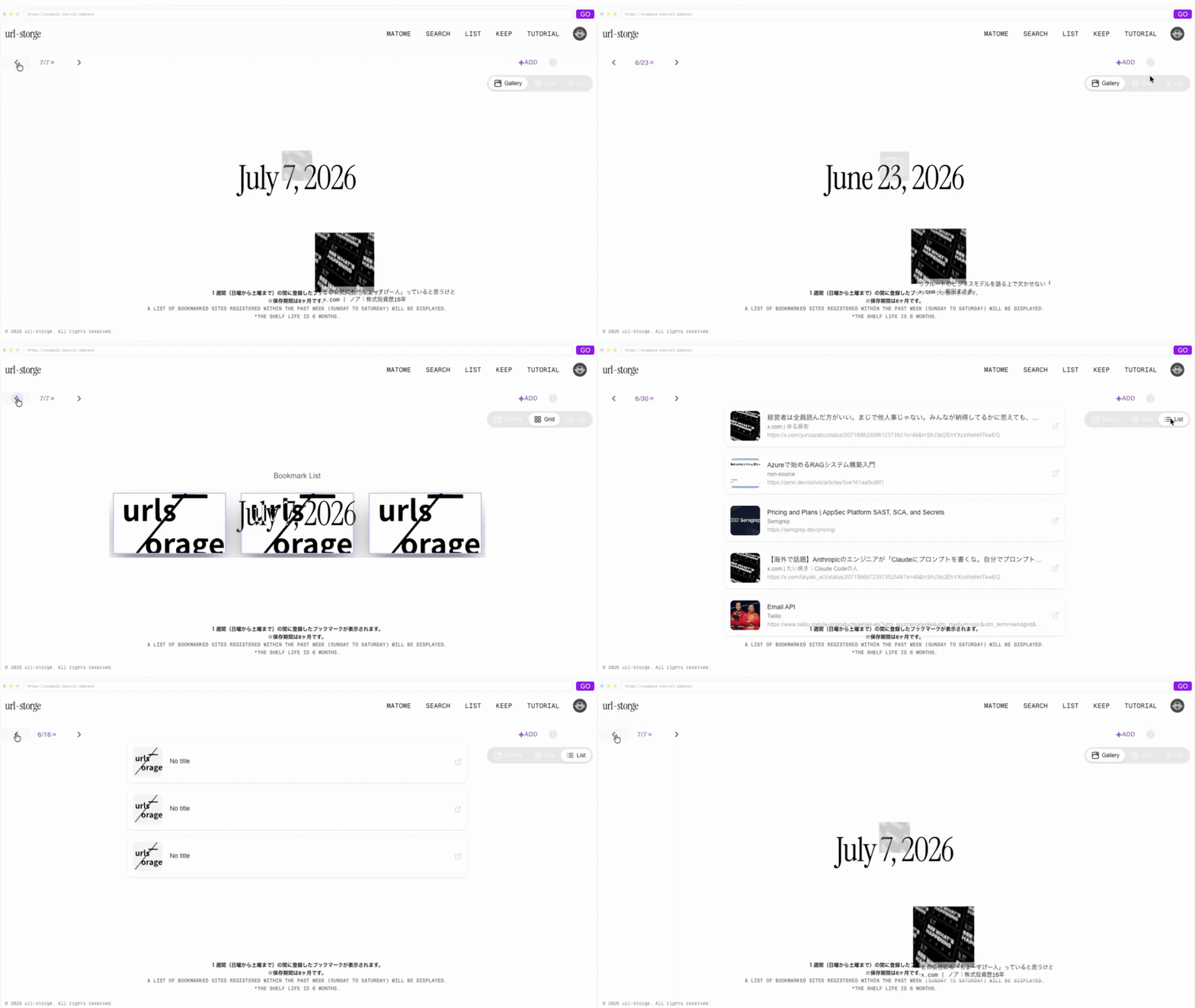
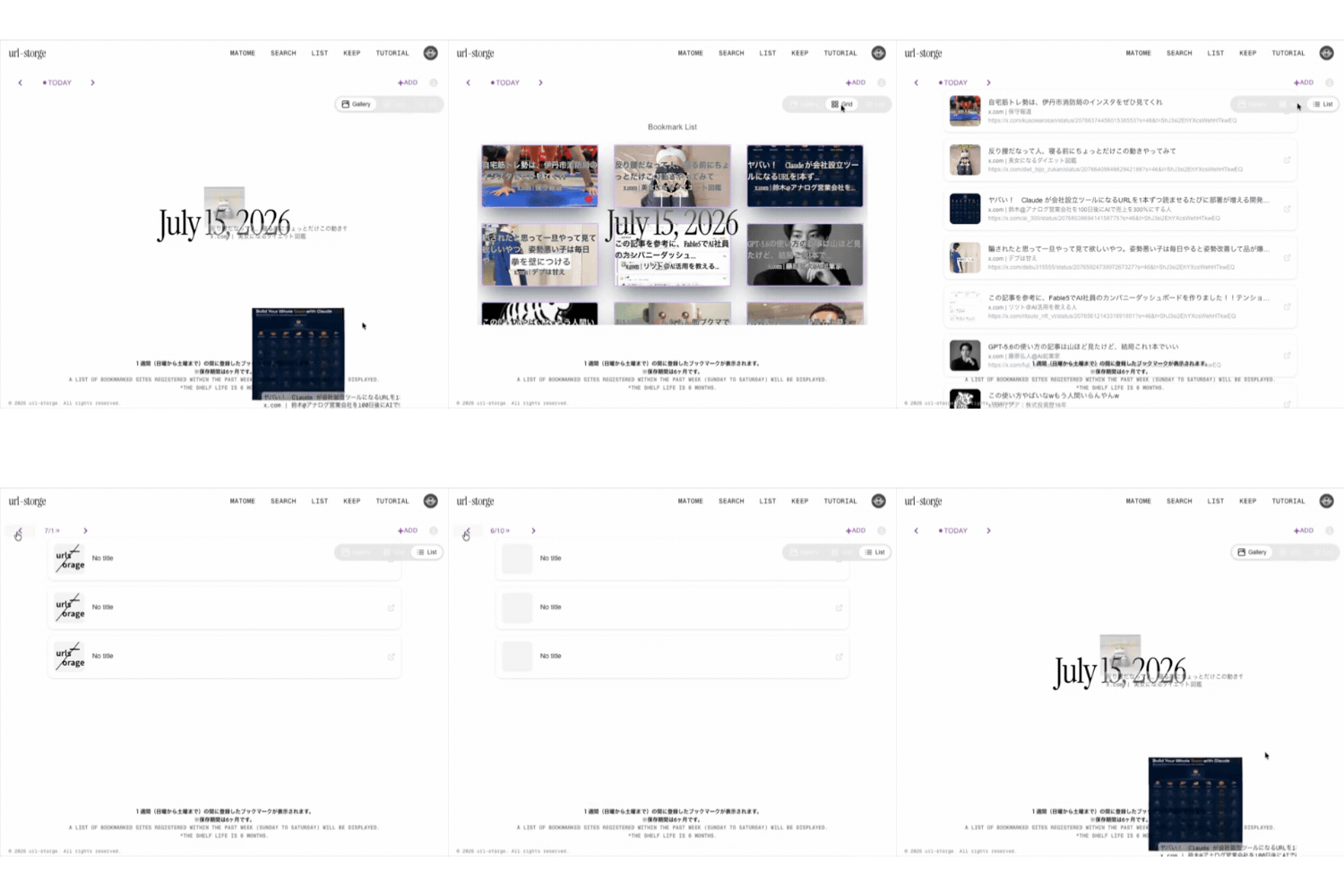
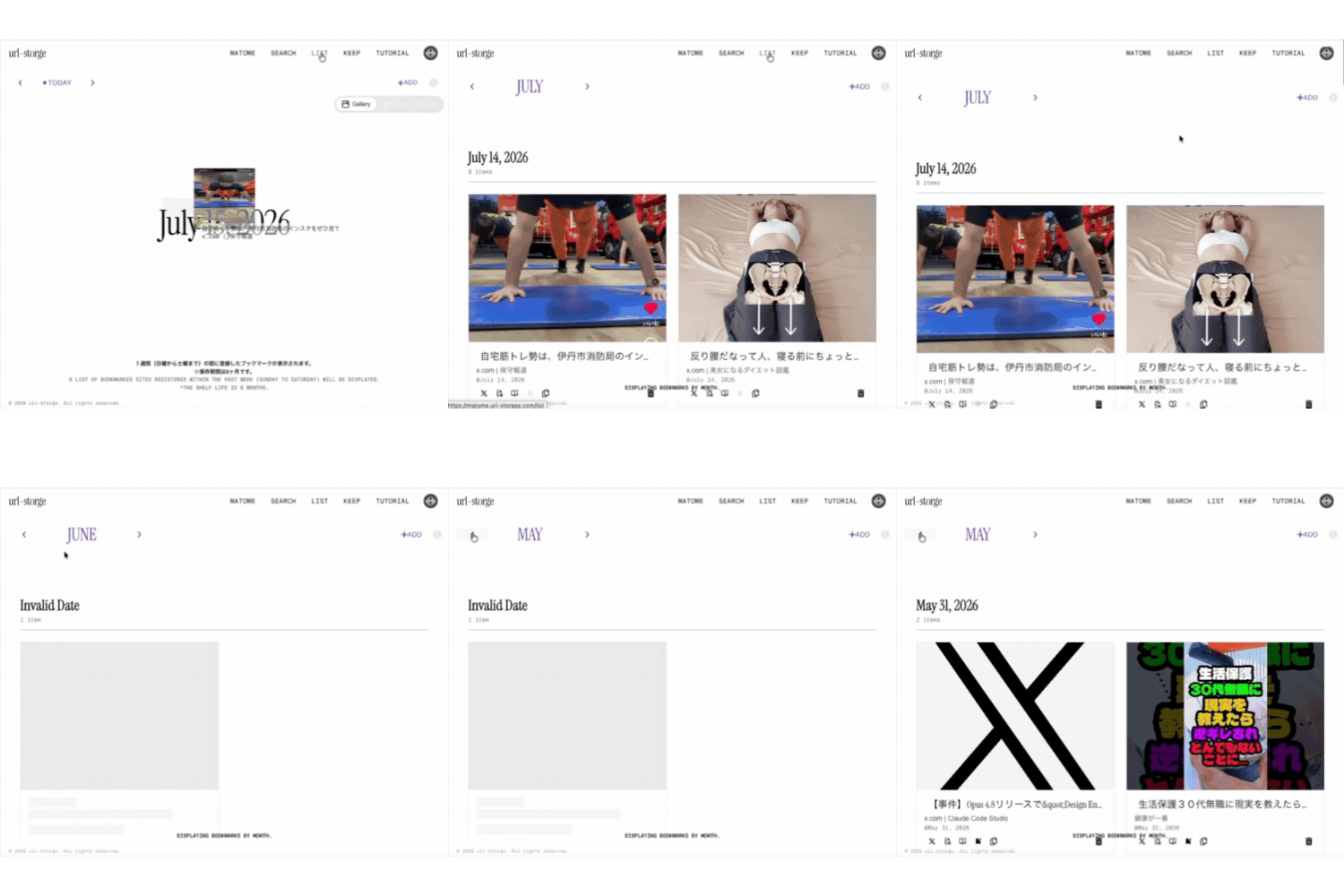
With two modes, Dynamic and List, you can review everything at once when you have time.

03

Beneficial and valuable.

Share your saved URLs as a public collection. Maximize your own value.

The retention period is 6 months.

After this period, the information will be automatically deleted. You won't be misled by outdated information; only the context you need now will remain.

02 / Movie

Learn about url-storage in 120 seconds.

The operation is simple. Watch the video to see the process from saving to reviewing.

If the video does not playWatch on YouTube →

03 / How to save

1-Click Save

Never miss an article that interests you. Add it to your saved list instantly with one click.

[+ add] on the site

Simply click the [+add] button on the site. It instantly saves the URL in your clipboard. No copy and paste required.

add button
  • Automatically retrieves title and thumbnail.
  • Available on any browser

Chrome extension

Save the page you're currently viewing with a single click. You can seamlessly save content without leaving your browser.

url-storage dynamic view
The extension isChrome Web Store →
04 / Share

Share Your Collection

The collected URLs are compiled and shared as a public collection. Information sharing with teams and external parties can be completed with a single URL.

Public Collections

Easily organize and share your favorite websites with the world. Create your own bookmark collection and share it with friends, colleagues, and the general public.

  • It can be made public as a Public Collection.
  • SNS(X twitter) sharing supported
View public collections
url-storage personal collection interface
05 / Contact

Contact Us

Please feel free to contact us if you have any questions or requests.